Animate Photo Online Bring Portraits and Memories to Life
Upload a portrait or meaningful personal photo, describe a restrained movement, and create a short image-to-video result you can inspect before sharing.
Need a starting point? Review Portrait Ideas then adapt the prompt to your own photo.
How to animate a photo online
Choose a clear source, describe one restrained movement, and verify the generated video.
Choose a clear portrait
Use a photo with a visible subject and enough detail around the face, hands, hair, and background.
Describe subtle motion
Write one focused instruction, such as a gentle blink, slow breathing, or a light breeze through the scene.
Review cost and result
Check the available model settings and estimated credits before submitting, then inspect the finished video frame by frame.
Plan portrait motion before you generate
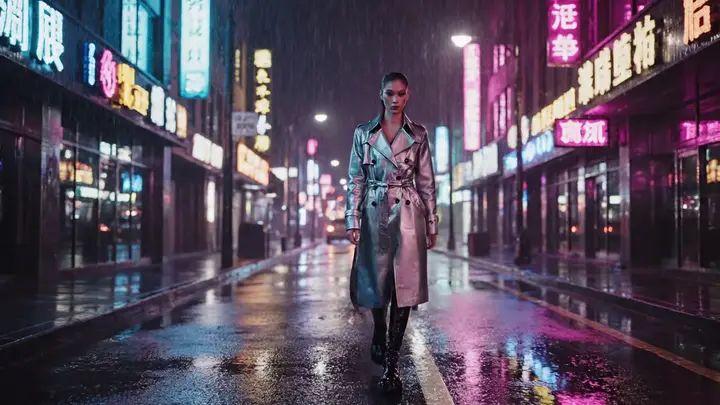
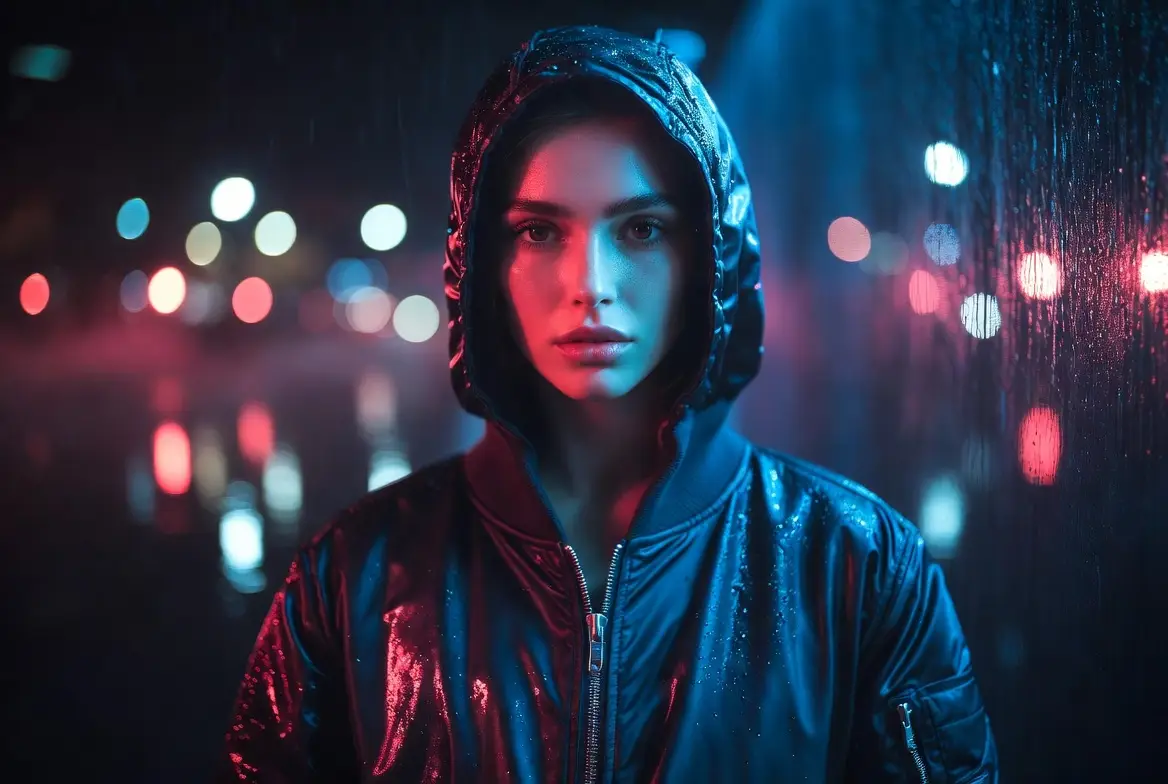
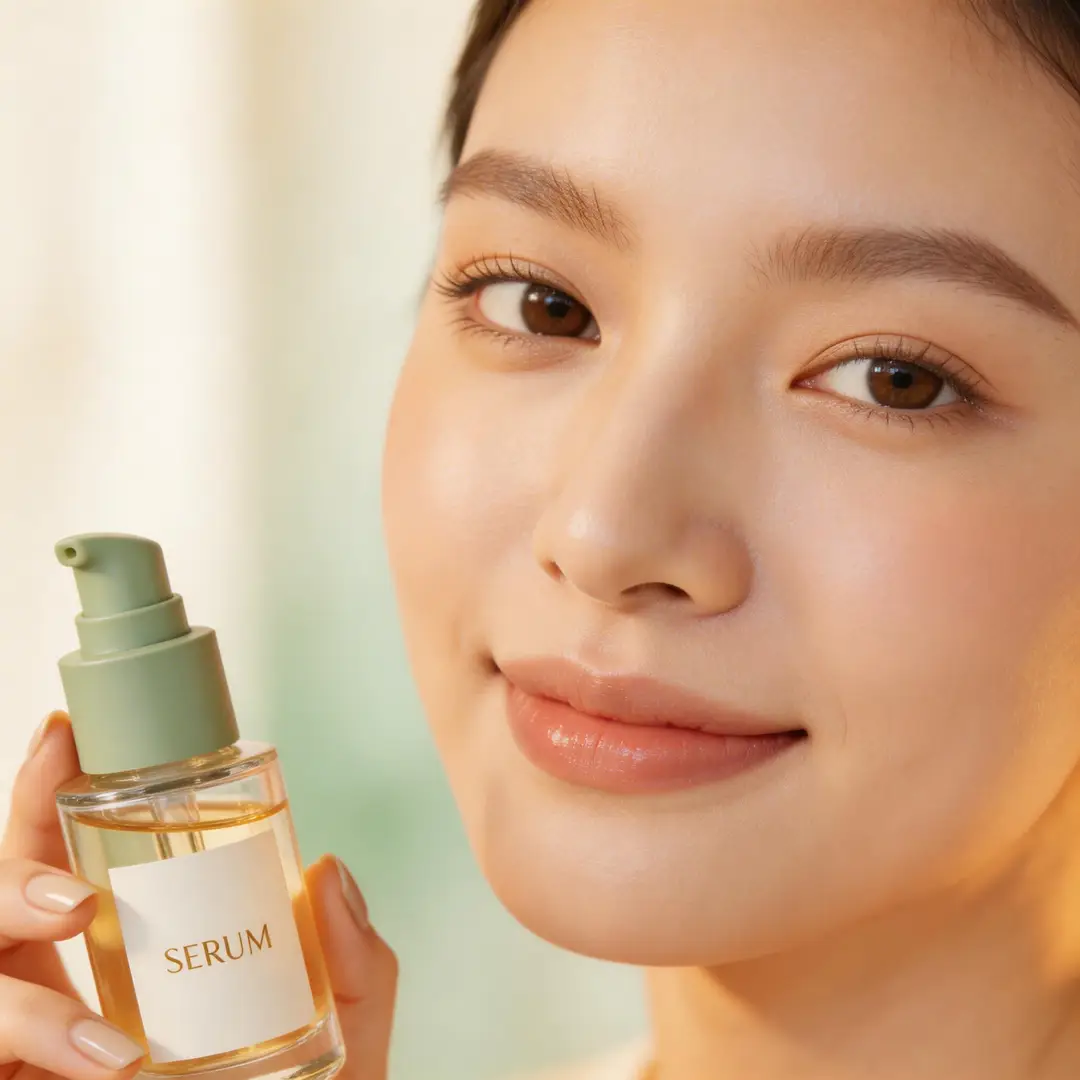
These visual references illustrate useful source-photo types. They are not before-and-after guarantees; AI can reinterpret faces, hands, clothing, text, and background details.
Single-person portraits
A centered portrait gives the model a clear subject and makes restrained facial motion easier to evaluate.
Family photographs
For a meaningful group photo, keep the prompt focused on atmosphere instead of asking every person to move at once.
Pet portraits
A head tilt, blink, or light fur movement can bring a pet photo to life without changing the whole composition.
Older and scanned photos
Historical images can be animated, but low detail and damage make the result less predictable.
Photos worth bringing to life
The page is designed for meaningful still images, not generic motion graphics.
Family memories
Add a gentle expression or environmental movement to a favorite family photograph.
Old photographs
Create an interpretive living-photo version of an archival portrait while keeping the original file unchanged.
Pet portraits
Turn a clear pet photo into a short clip with a blink, head movement, or light motion in the scene.
Travel moments
Animate water, clouds, leaves, or a small camera move around a still travel portrait.
Choose motion that protects the memory
A smaller motion brief is easier to control and easier to verify.
Start from a usable source
Clear faces, simple poses, and visible subject boundaries give you more reliable material to evaluate.
Limit the number of actions
One blink or one slow head turn is a better first test than several simultaneous movements.
Expect generative changes
Faces, hands, text, clothing, and background details can shift even when they were stable in the source.
Keep the original photo
The generated video is a new interpretation. Preserve the source as the factual record of the moment.
Know the cost before you animate
The generator form is the authority for available models, settings, and estimated credits.
Choose the source mode
Add your still photo as the first frame before selecting a compatible image-to-video model.
Compare available settings
Duration, aspect ratio, and other controls depend on the selected model and are shown in the form.
Read the credit estimate
Review the displayed credit requirement before you submit the generation.
Recover from a failed job
If generation fails, the product's credit-release path returns reserved credits instead of charging for a completed result.
Inspect the person, not just the motion
A smooth clip can still contain incorrect personal details.
Check face identity
Compare eyes, mouth, facial structure, age cues, and expression with the source photo.
Check hands and clothing
Pause on frames where fingers, jewelry, fabric, or accessories move or become partially hidden.
Check names and text
AI video may distort signs, dates, captions, and printed clothing. Do not rely on generated text.
Use photos you may process
Only upload images you own or have permission to animate, especially when another person is recognizable.
Turn one animated photo into a finished memory
A generated clip is a draft. Complete the story with a deliberate review and edit pass.
Compare with the source
Watch the clip beside the original photo and note any changes to faces, clothing, background objects, or text.
Keep the useful variation
If you generate alternatives, choose the version with the most natural motion and the least identity drift.
Add context in an editor
Use a conventional editor for verified names, dates, captions, music, and timing instead of asking the model to render exact text.
Animate the next photo
Reuse the successful motion style on another related image while adjusting the prompt for its pose, setting, and emotional tone.
Questions about animating portraits and memories
Source photos, motion prompts, credits, verification, and retry guidance.
What does animate photo online mean?
Which photos work best?
Can I animate an old family photo?
What should I write in the motion prompt?
Will the face stay exactly the same?
How much does it cost to animate a photo?
What happens when generation fails?
Can I animate a group photo?
Can I use the result on social media?
What should I do if the first result looks wrong?
Need help with a generation or credit issue? Contact support.
Animate a meaningful photo
Choose a clear portrait, ask for one restrained movement, review the estimated credits, and inspect the result before sharing.